
Hardening First-Connect SSH Trust with SSHFP Records
SSH's first-connect prompt asks you to trust a fingerprint you can't verify. SSHFP records publish it in DNS instead, so the client checks it automatically.
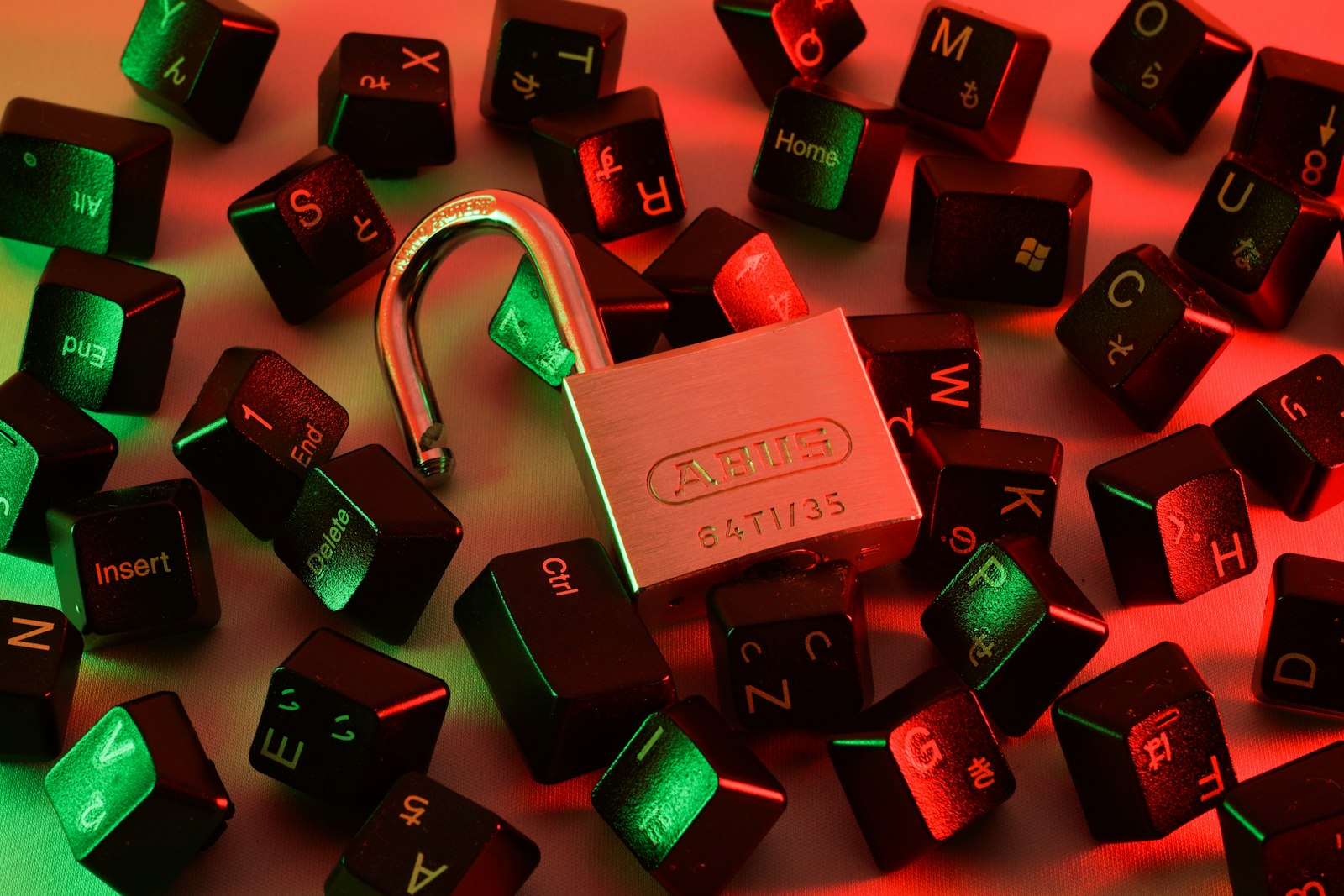
Anyone who’s used SSH has seen this prompt on the first connection to a new host:
The authenticity of host 'example.com (203.0.113.1)' can't be established.
ED25519 key fingerprint is SHA256:...
Are you sure you want to continue connecting (yes/no)?
The honest answer for most people, most of the time, is “I have no idea - but I’ll type yes anyway.” That’s trust-on-first-use (TOFU): SSH has no independent way to confirm the host key is genuine on that first connection, which is exactly the window in which a man-in-the-middle attack could substitute a different key without anyone noticing.
SSHFP records close that gap by publishing the server’s host key fingerprints in DNS, so a client can verify the key automatically instead of asking the user to eyeball a fingerprint and guess.
flowchart LR
    subgraph without["Without SSHFP (TOFU)"]
        direction LR
        C1[Client] -->|"fingerprint: SHA256:????<br/>types 'yes' - blind trust"| S1[Server]
    end
    subgraph withSSHFP["With SSHFP"]
        direction LR
        C2[Client] <-->|"SSHFP lookup"| DNS[("DNS<br/>SSHFP record")]
        C2 -->|"host key verified ✓"| S2[Server]
    end

    without ~~~ withSSHFP

    linkStyle 0 stroke:#d1573c,stroke-width:2px
    linkStyle 2 stroke:#6c5ce7,stroke-width:2px
How it helps
If a client is configured to check DNS (VerifyHostKeyDNS=yes), it can compare the key offered by the server against the fingerprint published in SSHFP records for that hostname, and warn or refuse if they don’t match - no more blind “yes” on first connect. (For this to actually resist an active attacker rather than just a passive typo-catcher, the zone should ideally be signed with DNSSEC; without DNSSEC it still catches accidental key mismatches and makes automated fleet management easier.)
Generating it
The nice part: you don’t need to compute anything by hand. ssh-keygen can turn a server’s live host keys straight into ready-to-use SSHFP records:
HOST=fire.5ok.network
ssh-keyscan -t rsa,ecdsa,ed25519 $HOST 2>/dev/null | ssh-keygen -r $HOST
The output is already in zone-file format, e.g.:
fire.5ok.network IN SSHFP 1 1 <sha1 hash>
fire.5ok.network IN SSHFP 1 2 <sha256 hash>
fire.5ok.network IN SSHFP 3 1 <sha1 hash>
fire.5ok.network IN SSHFP 3 2 <sha256 hash>
fire.5ok.network IN SSHFP 4 1 <sha1 hash>
fire.5ok.network IN SSHFP 4 2 <sha256 hash>
The two numeric fields are:
- Algorithm: 1 = RSA, 2 = DSA, 3 = ECDSA, 4 = Ed25519
- Fingerprint type: 1 = SHA-1, 2 = SHA-256
In practice it’s enough to publish just the SHA-256 rows - the SHA-1 ones exist only for older clients that don’t support SHA-256.
Adding it with dnscontrol
If DNS is managed via dnscontrol (see the companion post on the dnscontrol + git workflow), publishing the record is just adding a couple of lines to the domain’s zone config.
Open zones/<domain>.js and add an SSHFP(name, algorithm, fingerprinttype, target) call per hash you want to publish - typically one per host key algorithm, SHA-256 only:
...
SSHFP("fire", 4, 2, "<ed25519 sha256 hash>"),
SSHFP("fire", 3, 2, "<ecdsa sha256 hash>"),
...
"fire" targets the fire.5ok.network host under the zone. The algorithm/fingerprinttype arguments are the same numeric codes from the ssh-keygen -r output above.
Then review and apply the change the same way as any other DNS update:
dnscontrol preview   # confirm exactly these SSHFP records will be added
dnscontrol push      # apply it
Verifying it
To confirm the published records match what the server is actually presenting:
ssh -o VerifyHostKeyDNS=yes $HOST
Operational note
SSHFP records must be recomputed any time the server’s SSH host key changes or rotates - for example after a reinstall, running ssh-keygen -A following a key replacement, or moving a service to a different machine. A stale SSHFP record is worse than none: clients checking DNS will flag a legitimate new key as suspicious.
Where to prioritize it
Publishing SSHFP for every internal box is nice-to-have, but it’s worth prioritizing at least for the servers where a first-connect mistake is most consequential: public-facing servers and jump hosts/bastions. Those are exactly the machines that a wide range of people - sometimes new team members, sometimes automation, sometimes admins connecting from an unfamiliar client for the first time - connect to over the open internet, which is also where TOFU is weakest and a MITM is most feasible. Internal-only hosts reached over an already-trusted network are lower risk, so if you’re rolling this out gradually, start with the edge.
Conclusion
SSHFP is a small, cheap addition - one command against a running server - that meaningfully reduces the blind trust required on a first SSH connection, turning “I hope this fingerprint is right” into something a client can actually check. At minimum, publish it for your public-facing servers and jump hosts, where that first-connect trust decision matters most.